Now
Pick what’s next. Hide the rest.
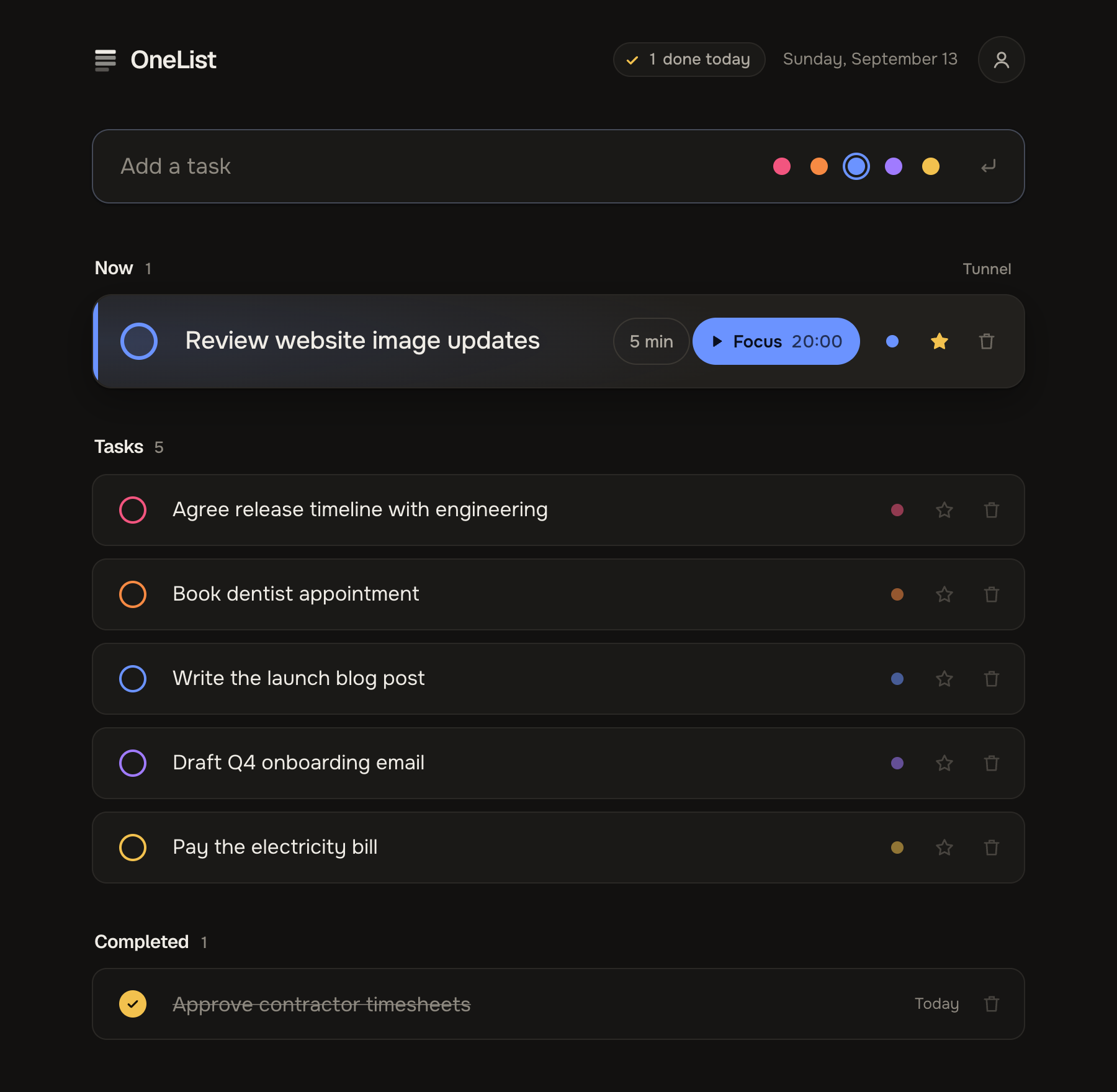
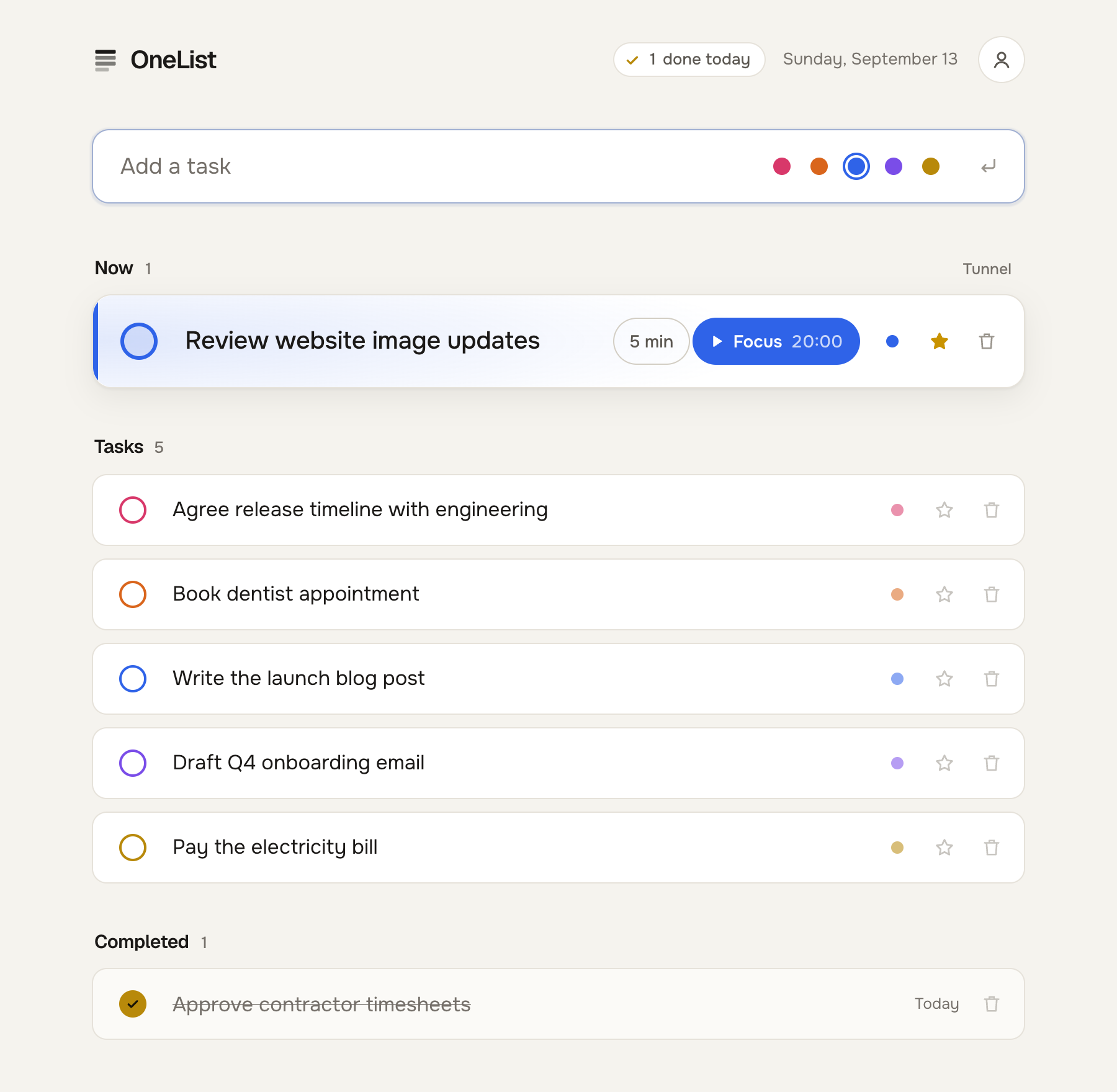
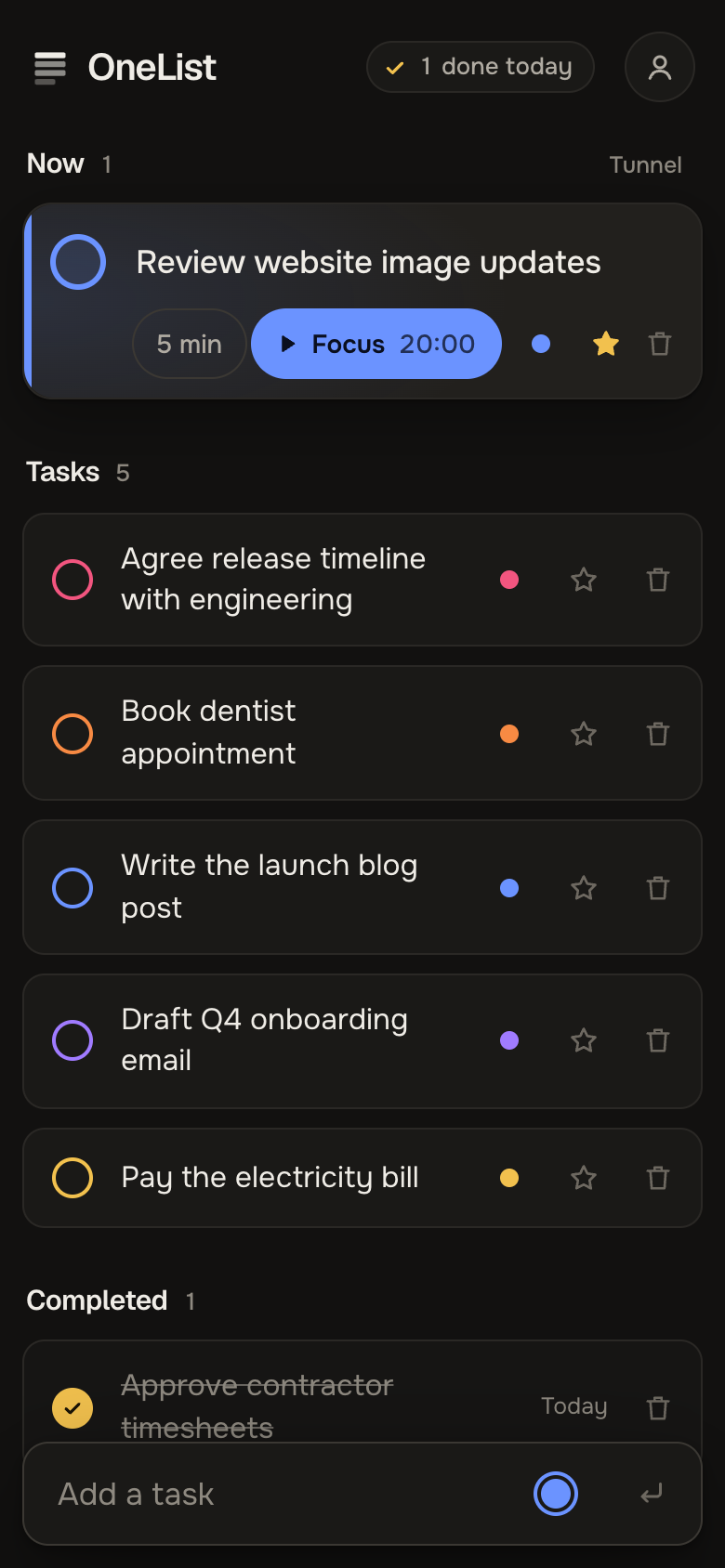
Star a task and it moves up to Now. Tunnel mode hides the rest of your list until you turn it off.
A to-do list made for ADHD brains
Star the task you want to do now and give it just five minutes. OneList hides everything else while you start. No projects, no setup.
No signup to try · Free · Works on your phone
Go on, tick one off
Now
Tasks
Completed
Now
Star a task and it moves up to Now. Tunnel mode hides the rest of your list until you turn it off.
Tasks
Everything goes on one list. Give tasks a colour for each part of your life if you like. No projects or tags to keep up with.
Completed
Tick it off, get confetti in its colour, and watch today’s wins pile up.
Press 5 min on a starred task and your list hides behind a countdown. Five minutes is enough to get going, and that’s the hard part.
When the timer ends, add five more minutes or move on to your next task. Want longer? Press Focus for a 20-minute session.
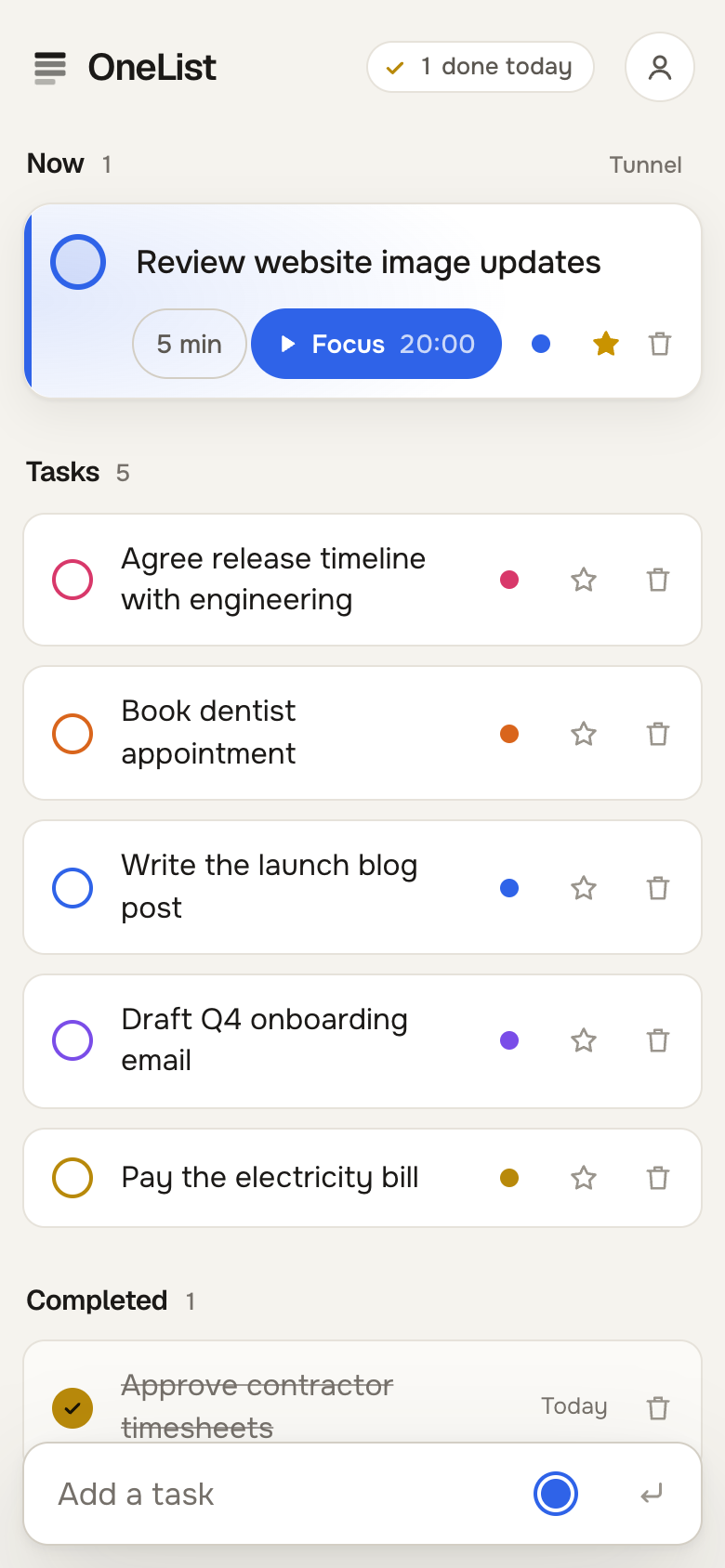
Dark or light, whichever feels calmer.
Yes. There’s nothing to pay for and no card to enter.
Not to try it. Press the button and you’re straight into a list. If you want to keep it, create an account from inside the app and everything you’ve added stays put.
Yes, star as many as you like. It’s usually easier to start when Now holds just one or two.
Keep going. Add five more minutes when the timer ends, or press Focus for a longer session. It starts at 20 minutes, you can switch to 10 or 25, and OneList remembers your choice.
Yes. It runs in your browser, and you can add it to your home screen so it opens like an app.
Open OneList, type it in, star it, and give it five minutes.
Try OneList freeNo signup to try · Free · Works on your phone